E-Challan Issued by Mistake – What to Do? 2026 Update
Getting a wrong e-challan in 2026 is frustrating, but the process to dispute it is now mostly digital. Below is a clear, step-by-step guide for Punjab and Islamabad, plus how to check your challan online and avoid blacklisting.
🔎 E-Challan Online Check – Punjab
For Lahore, Multan, Faisalabad and other Punjab cities:
✅ Official Portal
Visit: echallan.psca.gop.pk
How to Check:
- Enter your vehicle number
- Enter your CNIC
- View violation details
- Download challan copy (if needed)
This is the official E challan PSCA online check method.
❌ How to File a Wrong E-Challan Complaint (Punjab)
If the challan is incorrect:
Step 1 – Create Account
Register on the PSCA portal using:
- CNIC
- Mobile number (OTP verification)
Step 2 – Use “Review” Feature
Go to E-Challan Review / Complaint Section
Step 3 – Upload Evidence (Very Important)
Attach:
- Photo of received challan
- Clear photos of your vehicle (front & rear)
- Close-up of original number plate
- Copy of registration card/book
Step 4 – Submit & Save Tracking ID
You’ll receive a complaint reference number.
📧 Alternative Email (Lahore Region)
If portal is slow, email:
etclhr@psca.gop.pk
Include:
- Challan number
- CNIC
- Vehicle number
- Supporting photos
🚓 Islamabad – Wrong E-Challan Process
Managed by Islamabad Traffic Police
📞 Helpline:
051-9106380 or 1915
🌐 Website:
traffic.islamabadpolice.gov.pk
If unresolved online, visit:
ITP Headquarters (F-8)
Bring:
- Original CNIC
- Registration card
- Vehicle for inspection (if required)
📌 Common Reasons for Mistaken Challans
- AI Number Plate Error
O vs Q
1 vs I
8 vs B - Vehicle Sold but Not Transferred
Provide:- Sale deed
- Affidavit
- Transfer proof
- Duplicate/Fake Plates
File complaint immediately to avoid legal issues.
⚠ Important Warning – Don’t Ignore It
Unpaid challans may cause:
- Vehicle blacklisting
- Transfer block
- Registration renewal issues
- Court notice
In Punjab, official challan SMS typically comes from government-registered short codes. Be cautious of unknown personal mobile numbers demanding payment.
🚦 Traffic Police License Check (Punjab)
For driving license verification, use:
Punjab Traffic Police
Official portal allows:
- License status check
- Renewal status
- Fine verification linked to license
📝 E Challan Check Karne Ka Tarika (Simple Method)
- Go to official provincial portal
- Enter vehicle number + CNIC
- Check violation details
- Generate PSID (if paying)
- Pay via:
- JazzCash
- EasyPaisa
- ePay Punjab
- Bank branch
💳 Can You Pay E-Challan Through JazzCash?
Yes.
Steps:
- Open JazzCash App
- Go to Government Payments
- Select Traffic Challan
- Enter PSID or vehicle number
- Confirm payment
Same method applies for EasyPaisa.
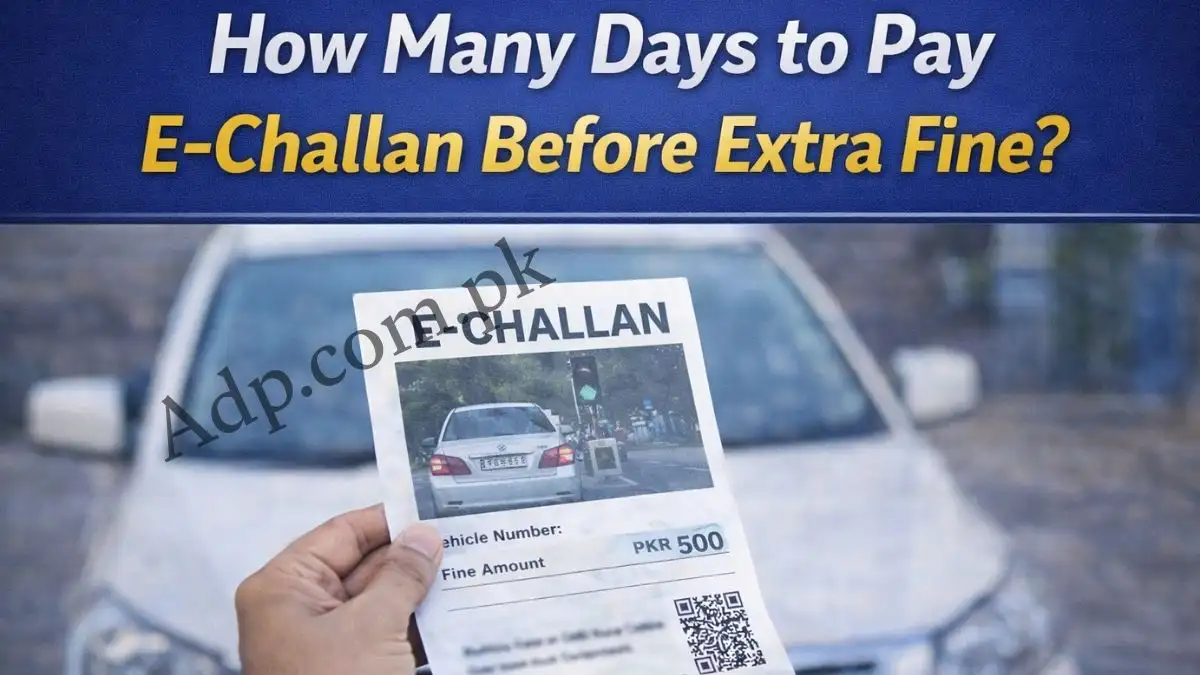
⏳ How Long Do You Have to Dispute?
Generally:
- 10 days from issuance
File complaint quickly before penalty escalation.
🛡 Pro Tips to Win a Dispute
✔ Upload high-resolution photos
✔ Highlight mismatch clearly
✔ Mention exact reason (wrong plate / wrong car / already sold)
✔ Keep tracking ID
✔ Follow up after 5–7 working days
Final Advice
If your challan is clearly wrong, file the review immediately instead of ignoring it. The 2026 digital system resolves most genuine errors without court visits.