
Google Gemini App Gets AI Video Generation Upgrade – Veo 3.1 Officially Rolled Out
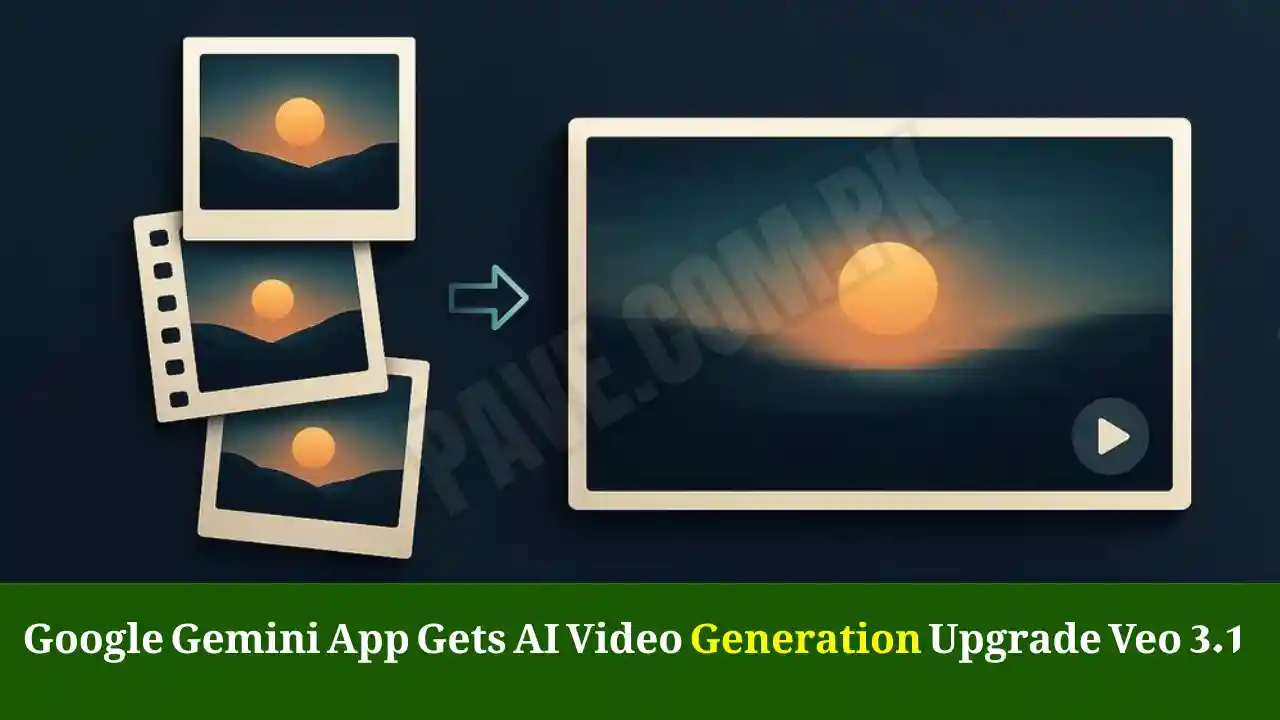
Google has officially upgraded its Gemini app with an advanced AI video generation tool powered by Veo 3.1, bringing a new era of personalized and creative video production to mobile users. The latest update expands the “Ingredients to Video” feature — previously limited to Google’s Flow platform — making it accessible to a broader range of Gemini users under Google AI Plus, Google AI Pro, and Google AI Ultra subscriptions.
This feature gives creators the ability to upload reference photos to guide how videos are generated. Whether it’s a consistent character, a specific background, or a custom lighting setup, the Gemini app now delivers a far greater degree of artistic control.
What’s New in the Gemini AI Video Generation Upgrade
The highlight of the upgrade is Veo 3’s “Ingredients to Video” capability. Introduced alongside the Veo 3.1 model on October 15, it lets users influence the visual outcome of AI-generated videos by feeding the model a set of reference images.
These “ingredients” help maintain continuity across scenes, achieve cinematic lighting, and replicate particular art styles — something that text-only prompts often fail to do precisely.
This means creators can now generate short clips that reflect the same visual identity across multiple videos — perfect for storytelling, branded content, and cinematic experiments.
How “Ingredients to Video” Works in Gemini
- Upload Reference Images – Users start by providing one or more photos, which can even be generated using Google’s Imagen or captured manually.
- AI Guidance – Gemini uses these visuals as stylistic references, adapting textures, color palettes, and subjects to match the source images.
- Prompt Integration – The user then adds a short text description (prompt) to specify actions, motion, or narrative direction.
- Automatic Rendering – The Veo 3.1 engine processes the visual and textual inputs together, creating dynamic video clips that follow both cues.
This dual-input model significantly cuts down the amount of descriptive text required to craft high-quality video, simplifying creative workflows.
Smarter User Interface and Model Transparency
The Gemini app now clearly indicates which video generation model is being used in the background. Users can view this under the Gemini Tools section, where the Veo 3.1 label appears whenever it powers the output.
This transparency helps professionals understand performance capabilities and track which version of Veo AI produced their results — something vital for creators working with brand consistency or version-based content archives.
Comparison with OpenAI’s Sora
Despite this leap forward, Veo 3.1 remains more limited than OpenAI’s Sora. While Sora offers greater flexibility in generating long-form, high-motion, or cinematic sequences, Gemini focuses on short, creative, and safe video clips with strong ethical boundaries.
Google has emphasized that its AI systems will continue to enforce strict safety guidelines, refusing to create realistic deepfakes or content that violates personal-data or copyright policies.
However, Gemini’s strength lies in its speed, style accuracy, and mobile integration, making it a powerful tool for social-media creators, educators, and marketers who prioritize quality and control over sheer freedom.
Why “Ingredients to Video” Matters for Creators
For digital artists, educators, and marketers, this update marks a huge productivity leap. Here’s why it matters:
- Brand Consistency: Users can maintain the same character, logo, or theme across multiple clips.
- Creative Speed: No need for long prompts or advanced video-editing software.
- Mobile Access: Entirely integrated inside the Gemini app for smartphones and tablets.
- Lower Learning Curve: Anyone can experiment with cinematic visuals using intuitive image-based controls.
- Cost Efficiency: Included in paid AI tiers, making professional video generation more affordable than third-party software.
Integration with Other Google AI Tools
Google is steadily unifying its AI ecosystem. Gemini, Imagen, and Veo now interact seamlessly across services.
For instance, creators can:
- Design character art in Imagen,
- Use it as an ingredient inside Veo 3.1,
- Edit the result through Gemini’s AI editor, and
- Sync assets via Google Drive or YouTube Studio for publication.
This connected approach shows Google’s long-term plan: transforming Gemini into a complete AI production studio rather than a simple chatbot.
Rollout Timeline
The photo-to-video tool began rolling out on November 17, 2025, and Google says it will reach all eligible paid Gemini users by next week.
Currently, the feature is exclusive to the AI Plus, Pro, and Ultra subscription tiers. The company has not yet confirmed if it will extend to the free version of Gemini in the near future.
Global Market Impact
Industry analysts view this launch as Google’s answer to rapid competition in AI media tools. Platforms like Runway, Pika Labs, and Sora have dominated short-form video generation, but Gemini’s integration with Google’s ecosystem gives it a unique advantage:
- Built-in YouTube connectivity for direct publishing.
- AI Search integration for prompt recommendations.
- Android system support for accessibility on millions of devices.
This means users can create and publish videos without ever leaving Google’s ecosystem — from inspiration to upload.
Read Also: Breaking News: Top Jobs in UAE 2026 Revealed – Best Careers to Apply for Now
AI Ethics and Safety
Google continues to emphasize responsible AI use. Veo 3.1 strictly prohibits generating:
- Deepfake videos of real individuals.
- Political or violent scenes.
- Misleading or copyright-violating content.
Gemini’s built-in moderation filters ensure that every generated clip passes through ethical and legal safety layers before being displayed to the user.
The Future of Gemini and Veo AI
Experts predict that Google will soon merge its Veo AI video capabilities more deeply into Gemini Pro 2.0 and YouTube Create, enabling users to craft full stories directly from mobile devices.
Upcoming versions may also allow:
- Multi-scene timelines.
- Voiceover generation.
- Motion-tracking edits.
- Real-time video preview in the Gemini app.
As AI creativity tools mature, Gemini aims to become the default workspace for visual storytelling — combining text, image, and video generation within one adaptive interface.
How to Access the New Gemini Video Tool
- Open the Gemini App on Android or iOS.
- Tap Video Generation Tool in the Gemini Tools menu.
- Upload reference images (these act as your “ingredients”).
- Type your video prompt (e.g., “a sunset behind futuristic city towers”).
- Choose resolution, aspect ratio, and duration.
- Click Generate Video — Veo 3.1 will render it in minutes.
Read Also: Breaking News: Double Sawari Banned Across Balochistan – Section 144 Imposed Until November 30, 2025
Pros and Cons of the Update
| Feature | Benefit | Limitation |
|---|---|---|
| Photo-to-Video Control | Maintains visual consistency across clips | Limited duration and motion depth |
| Fast Generation | Quick output for mobile users | Requires paid Gemini subscription |
| Model Transparency | Shows which AI model is active | Only Veo 3.1 supported currently |
| AI Safety Filters | Prevents misuse and deepfakes | Restricts certain creative freedom |
| Cross-Tool Integration | Works with Imagen, Drive, and YouTube | No offline rendering yet |
User Reactions
Early adopters have praised Gemini’s new feature for simplifying creative video workflows. Many report higher visual quality and stronger scene coherence than earlier versions.
However, professional creators note that export speed and customization options still lag behind OpenAI’s Sora and Runway’s latest builds. Google says future updates will address these issues.
Conclusion About Google Gemini AI Video Generation:
The Google Gemini app’s AI video generation upgrade marks a major step toward democratizing cinematic creativity. With Veo 3.1 and its “Ingredients to Video” capability, users can now generate short, visually consistent clips using just reference photos and a few text prompts.
While still more conservative than some competitors, Gemini’s speed, safety, and deep ecosystem integration make it one of the most practical and reliable AI video tools available today.
As the rollout continues, creators can expect richer video control, better performance, and more features that bridge the gap between imagination and production — all inside one app.
FAQs – Google Gemini AI Video Update 2025
1. What is the new video generation feature in the Gemini app?
It’s a tool that lets users turn photos and text prompts into short AI-generated videos using Veo 3.1 technology.
2. What does “Ingredients to Video” mean?
It allows users to upload reference images that guide how the AI designs characters, objects, and styles within the generated video.
2. What does “Ingredients to Video” mean?
It allows users to upload reference images that guide how the AI designs characters, objects, and styles within the generated video.
4. How is Gemini different from OpenAI’s Sora?
Gemini focuses on short, safe, and mobile-optimized clips, whereas Sora allows longer and more flexible video creation.
5. Will free Gemini users get this update?
Google has not announced any date for free-tier availability but plans to expand access after the paid rollout completes.